Free wallpapers · phone & desktop · stills and 12 s loops
Wallpapers from summit to seabed
clean code & thin air
Five designs from rm31.vercel.app: a peak at blue hour, a contour map, the whole story on one altitude scale, a freefall at dusk and the site’s own header. Each comes as a still and as a 12-second loop that runs into itself without a seam. Tap a screen to preview its loop.
1440 × 3120 stills · 1080 × 2340 loops
2560 × 1664 stills and loops · live versions
-
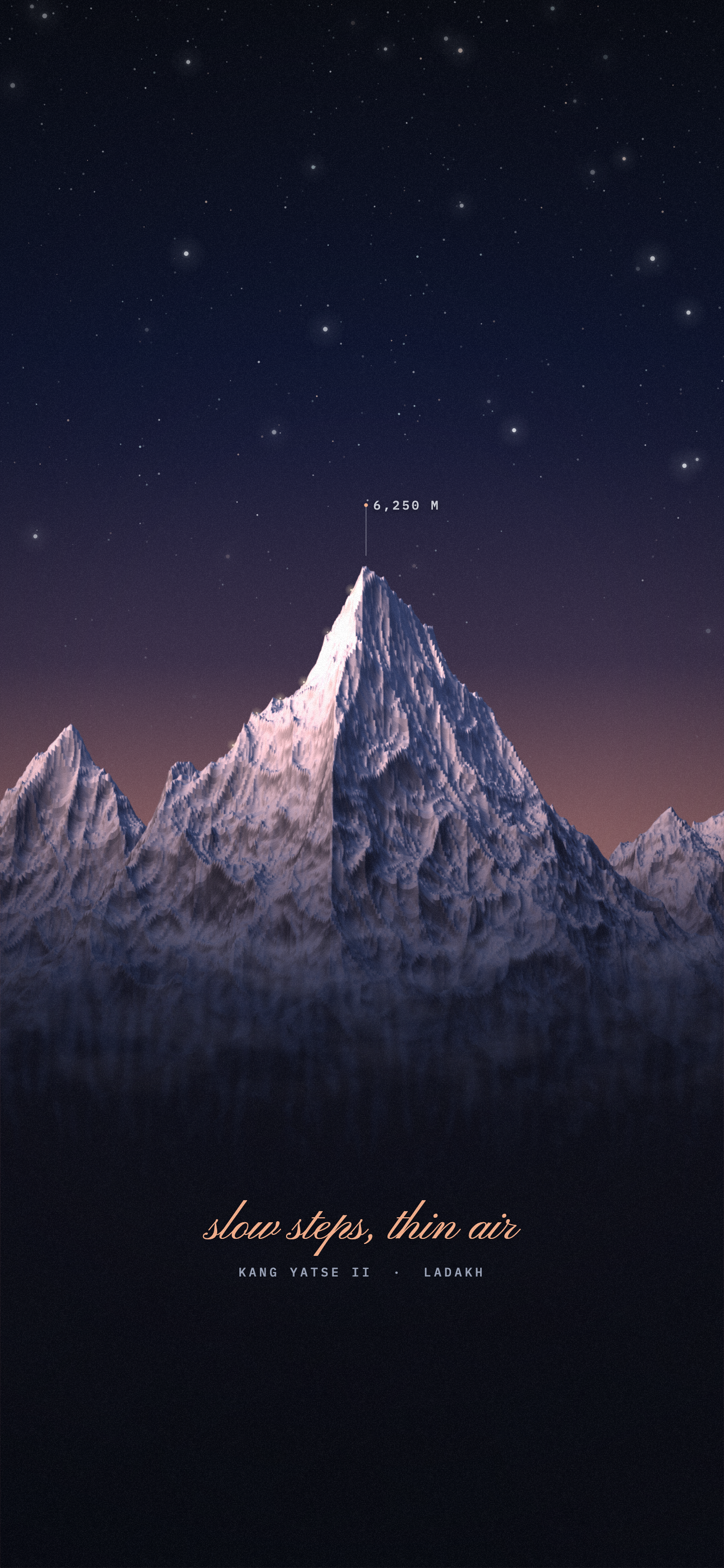
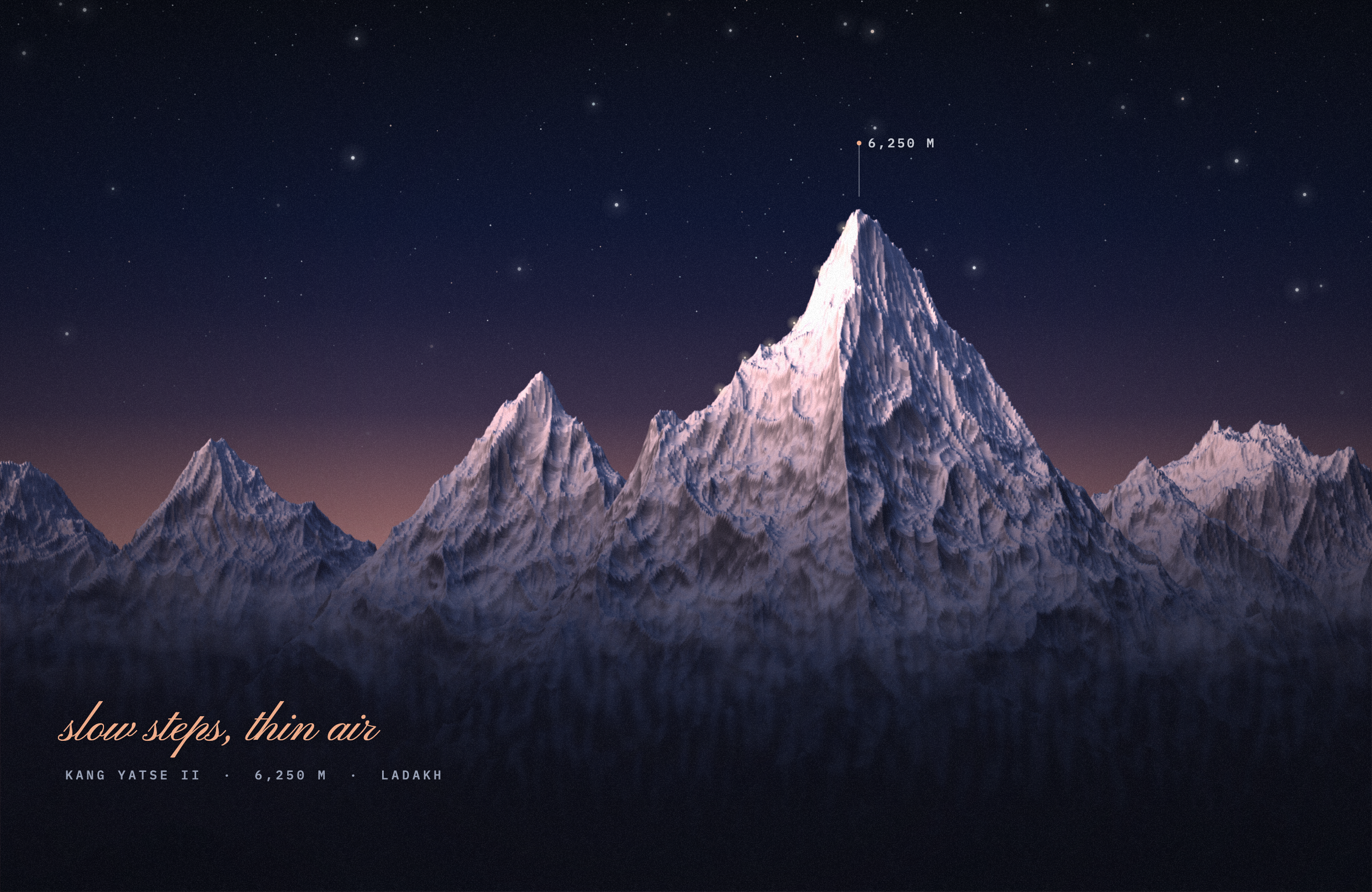
Kang Yatse II · 6,250 m
Alpenglow
The peak at blue hour, rendered in 3D, its summit faces holding the last pink light.
The glow breathes, headlamps climb the ridge, a shooting star crosses, mist drifts in the valley.
Open the live version ↗ -
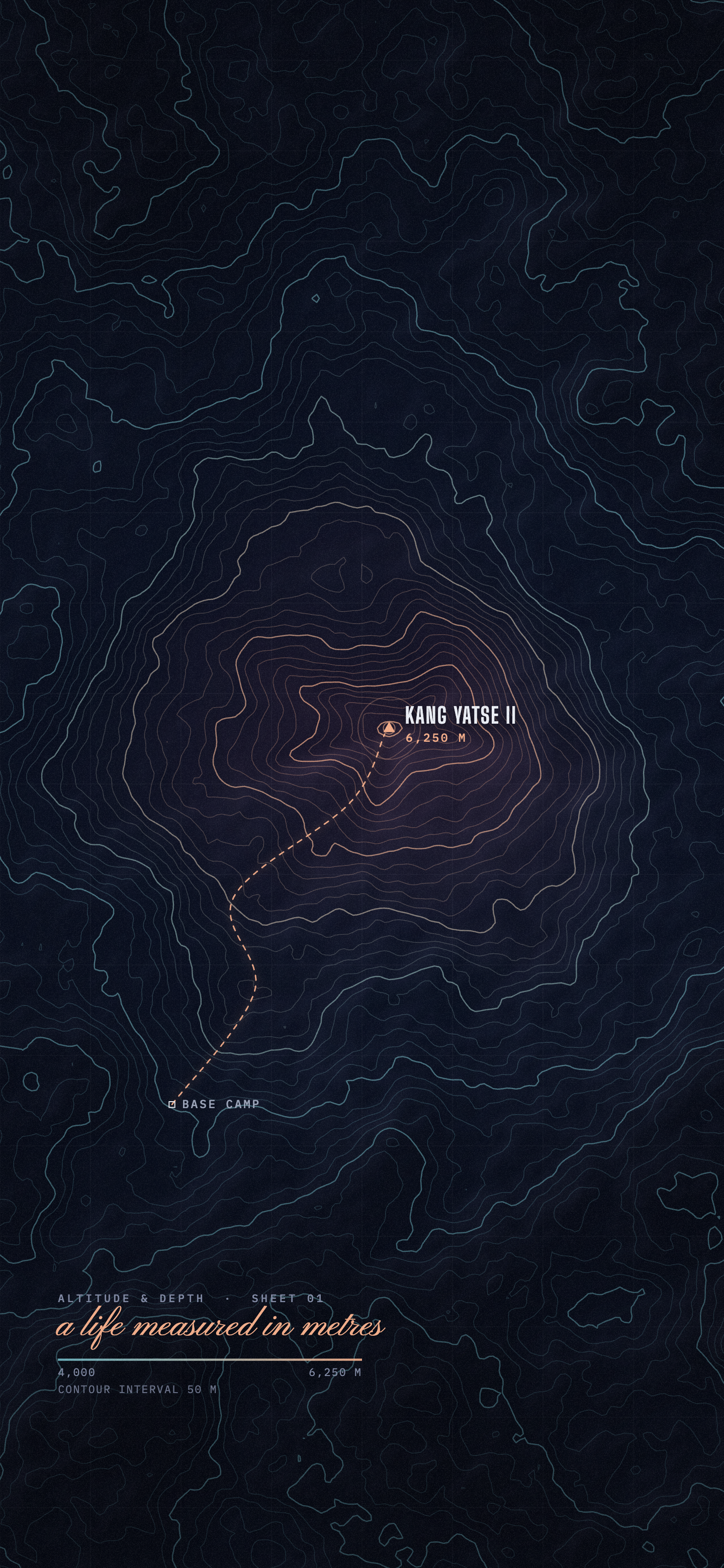
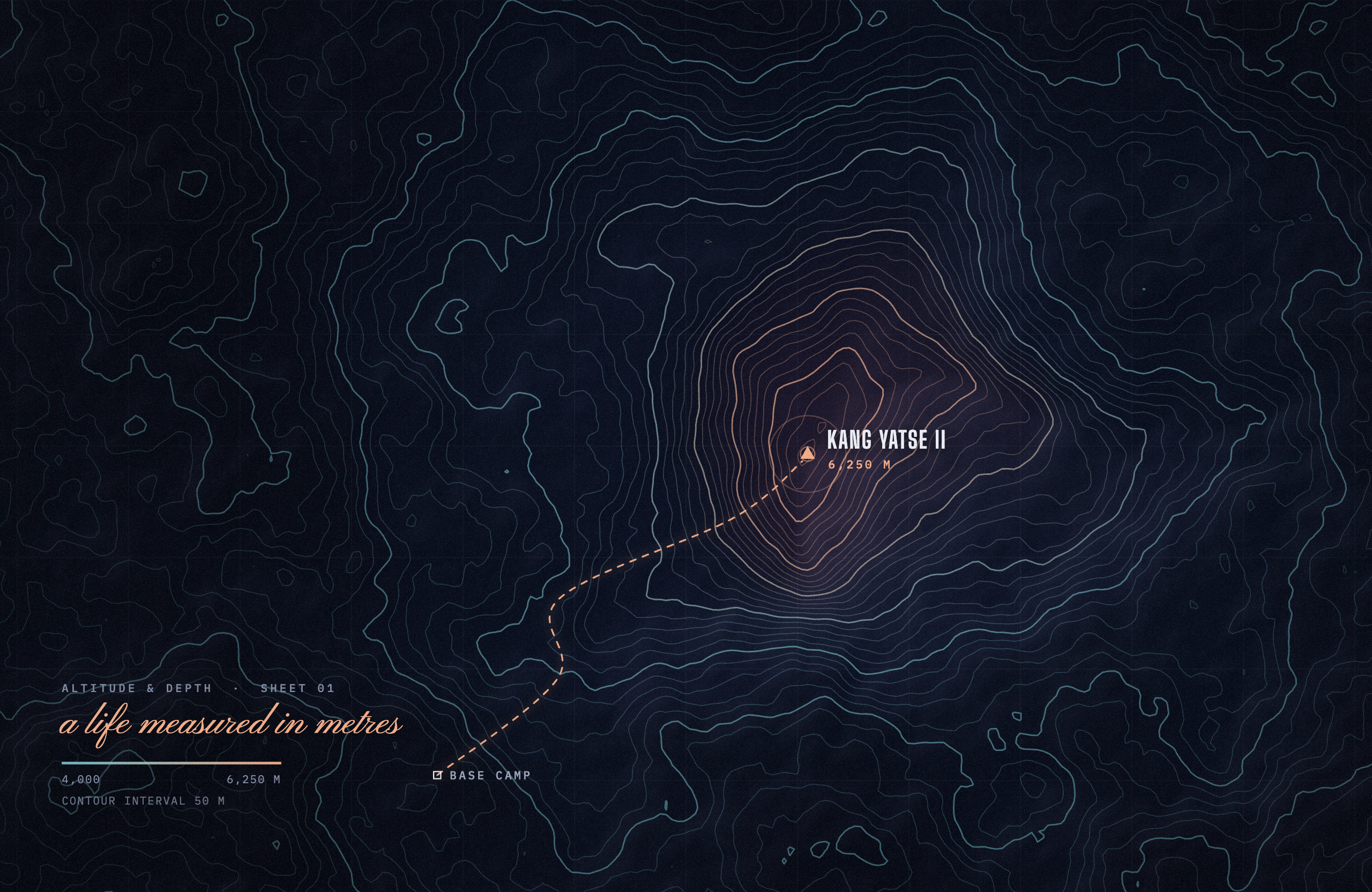
Sheet 01 · contour interval 50 m
Contour
A topographic map of the peak, with the route up from base camp. “A life measured in metres.”
The contours drift, the route’s dashes march to the summit, the summit pings.
Open the live version ↗ -
6,250 m → 0 m → one breath
Summit to Seabed
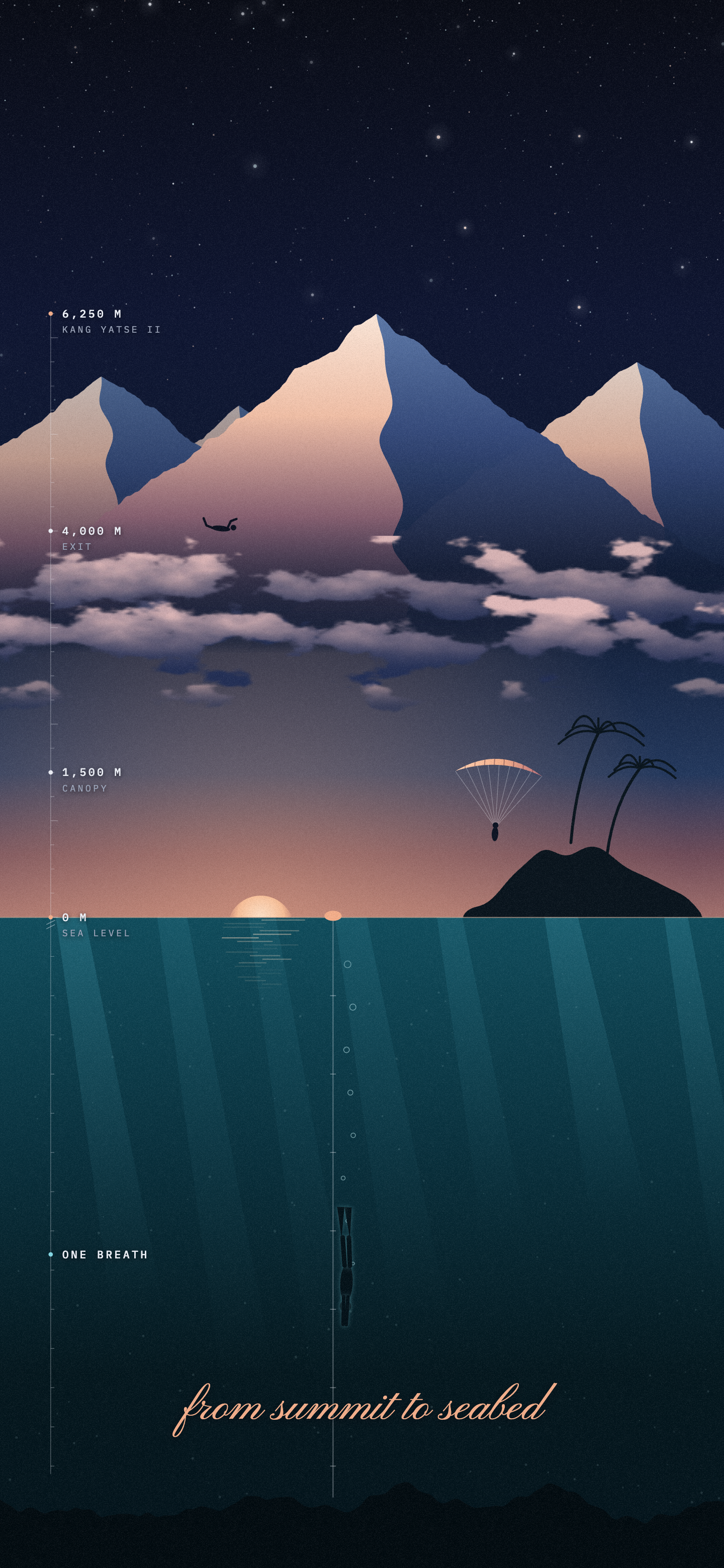
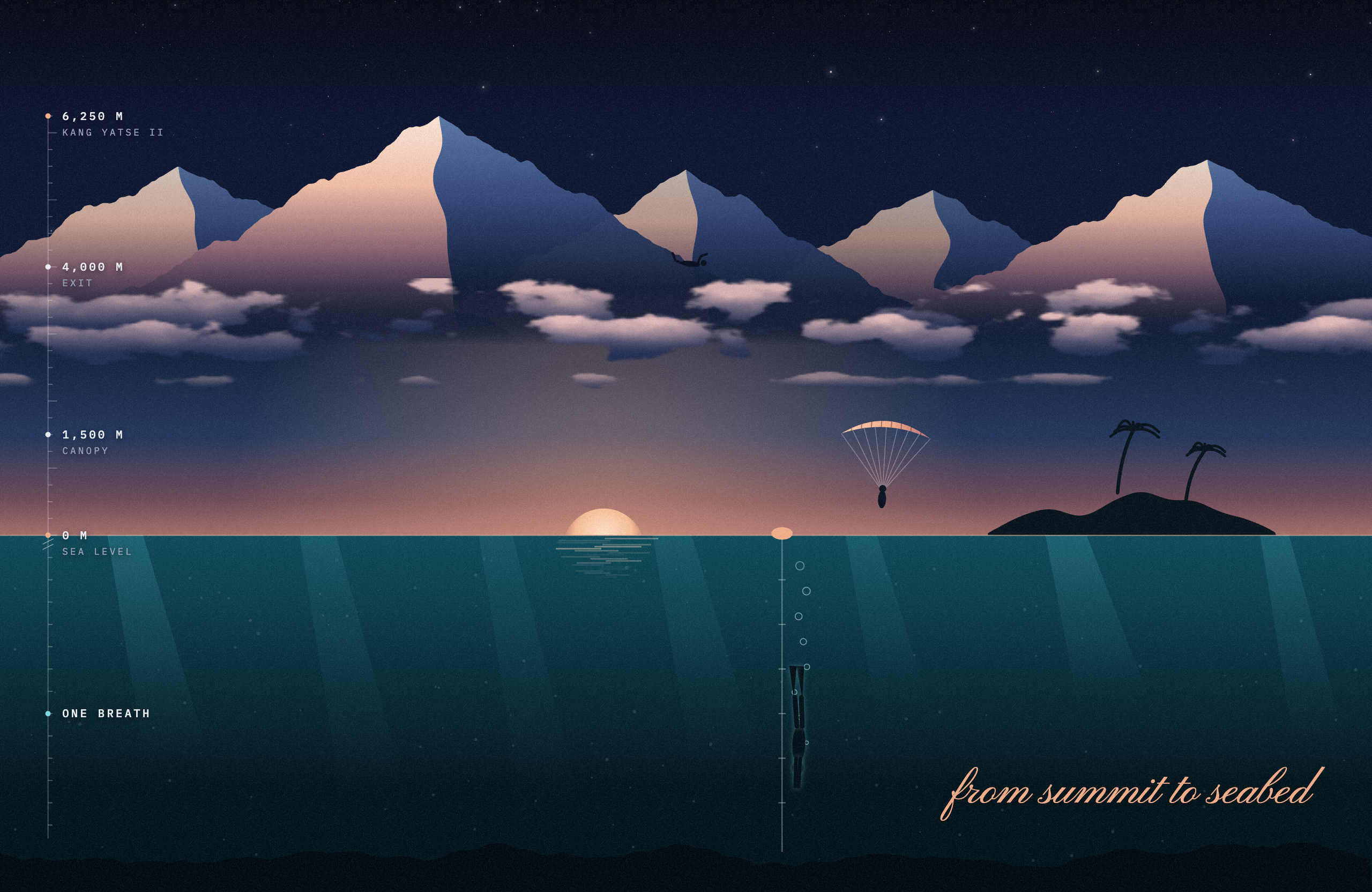
The whole story on one true altitude scale: the summit, the 4,000 m exit, the canopy at 1,500 m, the island and the freedive line.
Freefaller and canopy drift, clouds sway, sun glitters on the sea, the diver kicks down the line.
Open the live version ↗ -
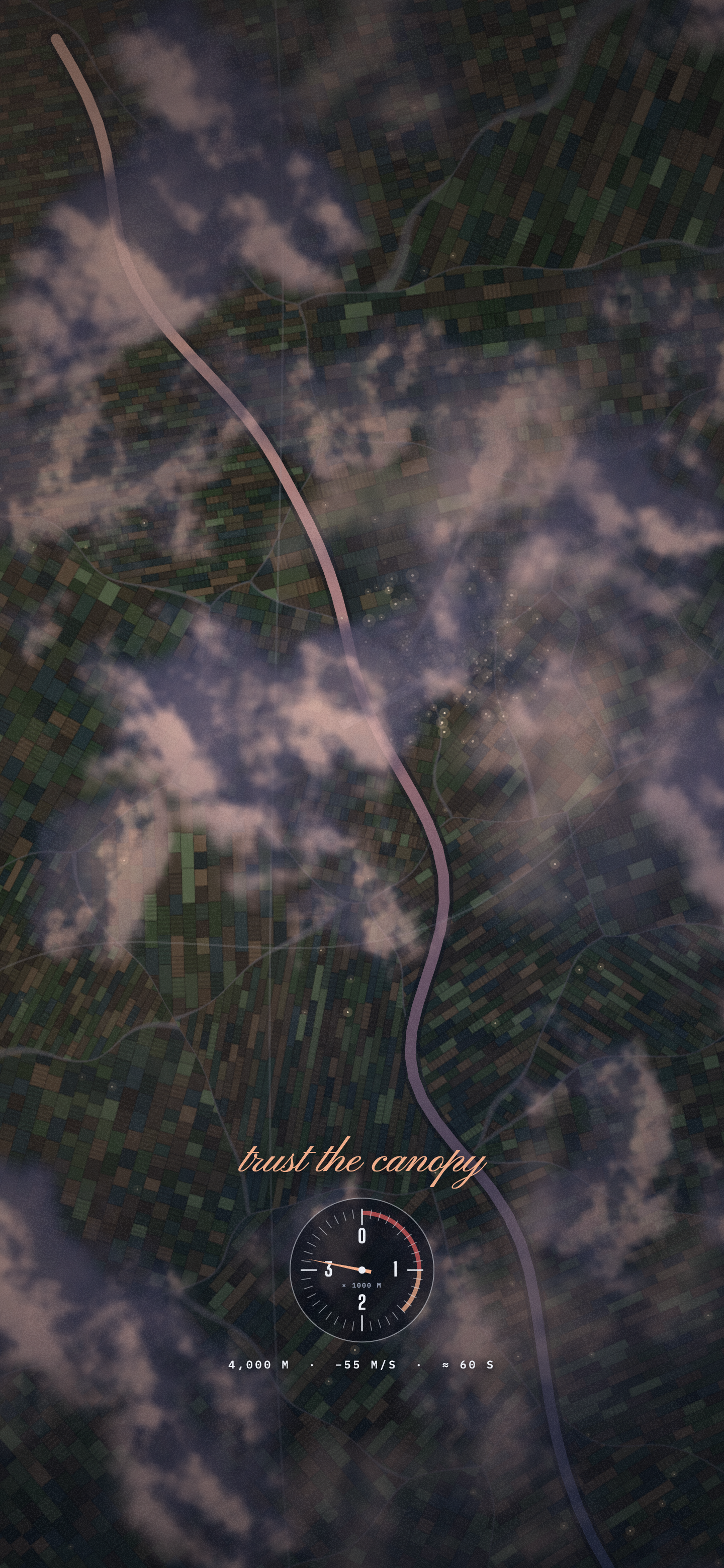
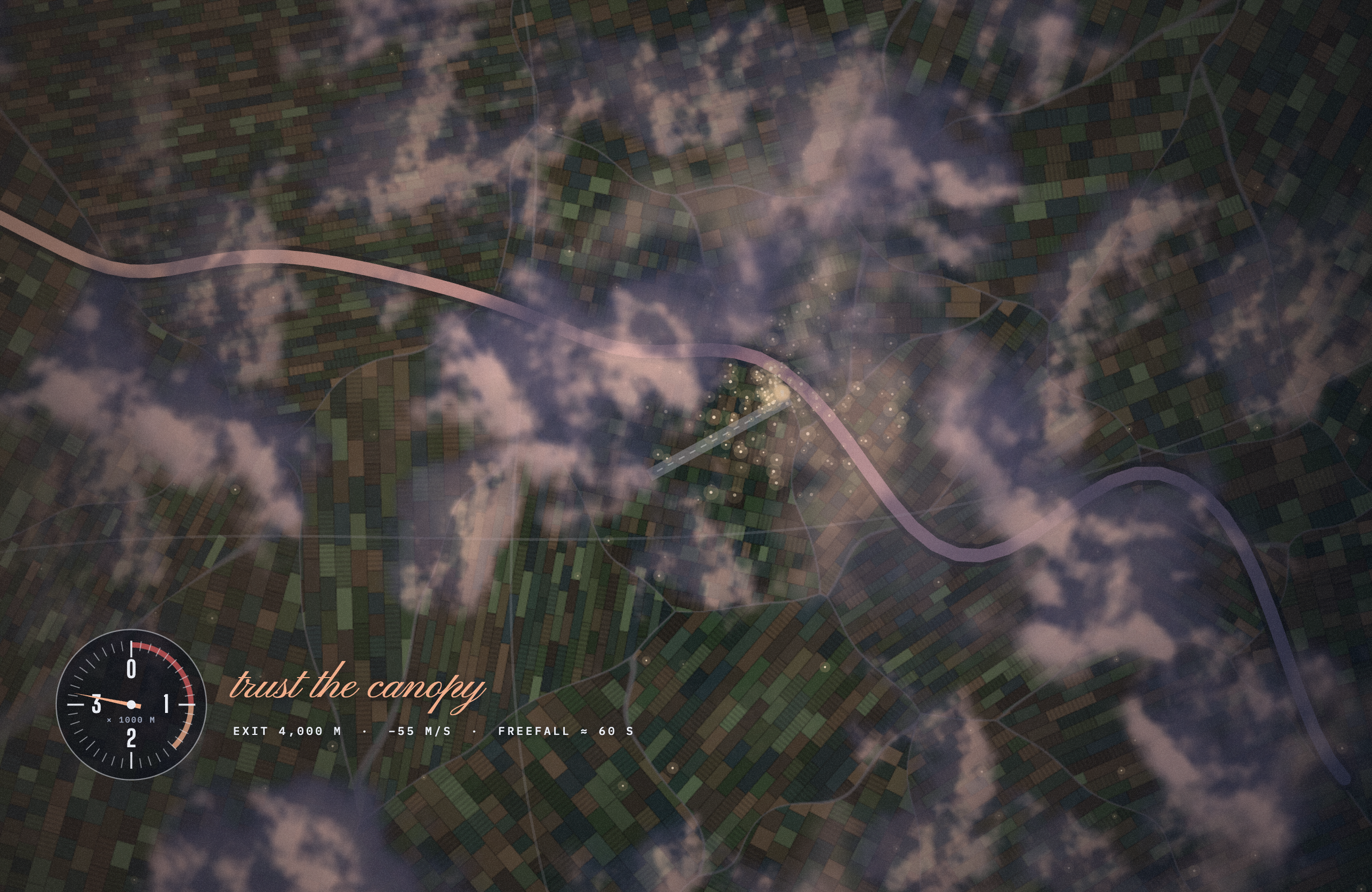
Exit 4,000 m · −55 m/s
Freefall
Straight down from exit altitude onto a drop zone at dusk, altimeter on the wrist. “Trust the canopy.”
Cloud layers rush up past you without end, town lights flicker, the altimeter needle jitters.
Open the live version ↗ -
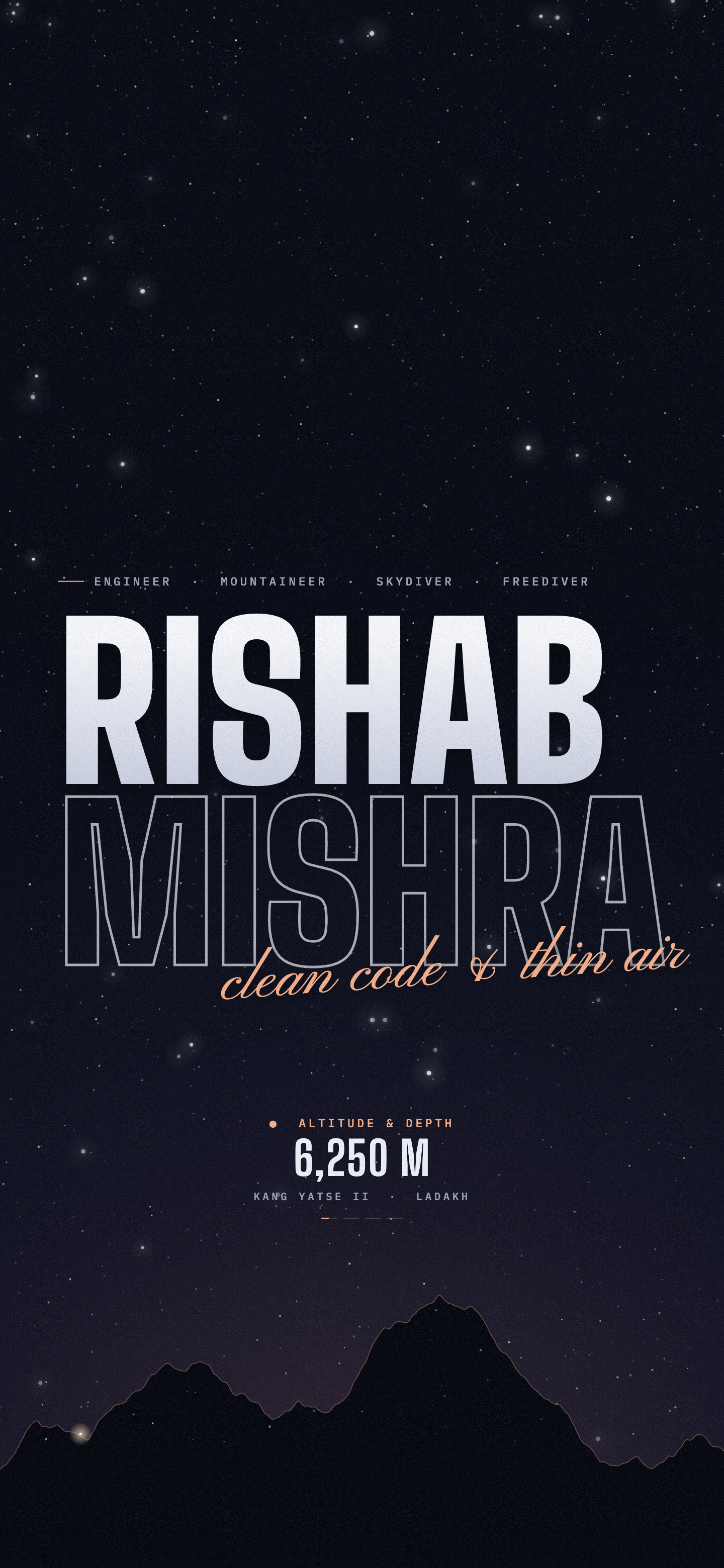
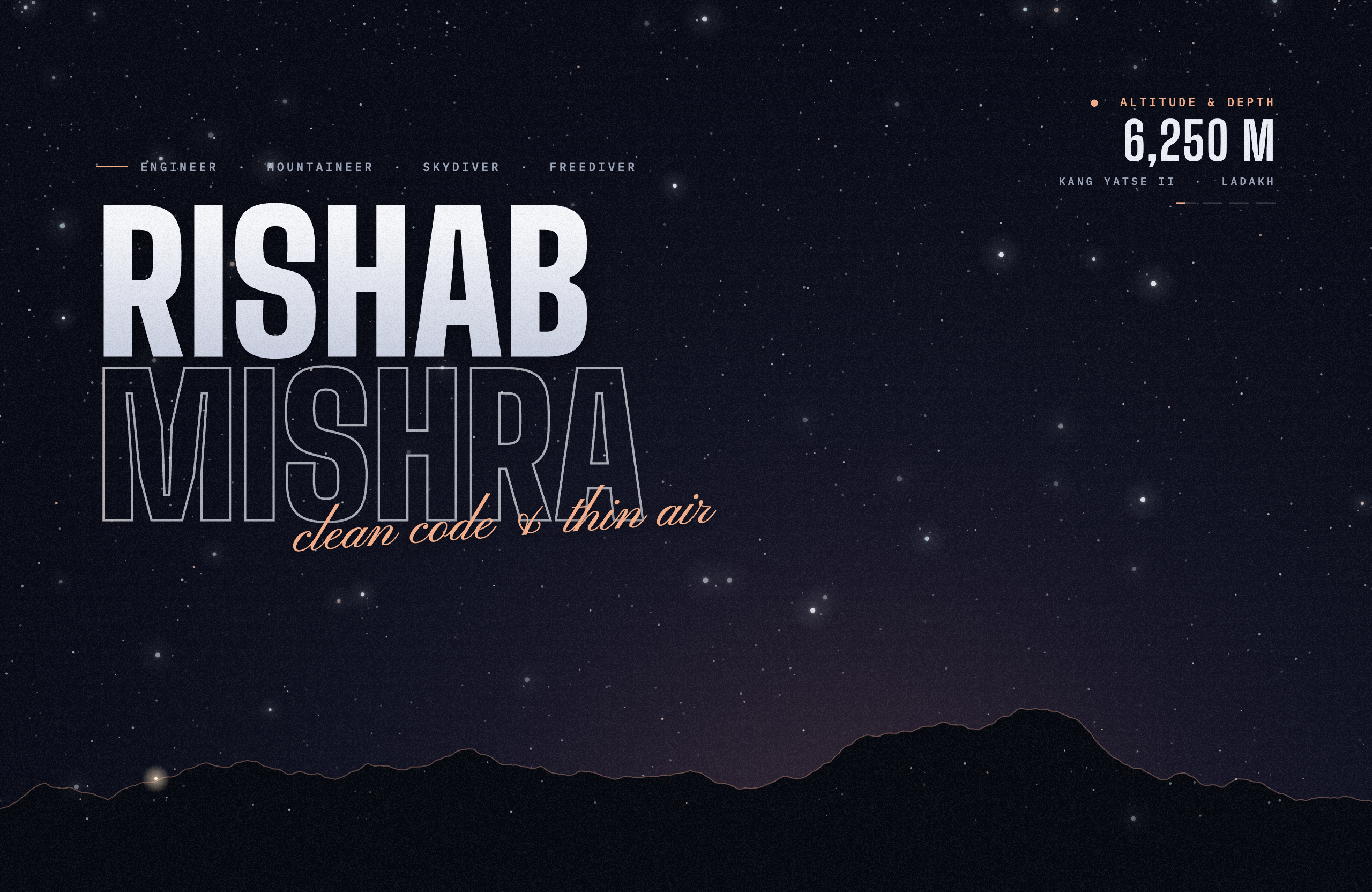
rm31.vercel.app · the header
Thin Air
The header of rm31.vercel.app as a wallpaper: the name, “clean code & thin air” and the altitude readout over a night sky.
Alpenglow sweeps the outline, the readout steps through 6,250 / 4,000 / 0 / one breath, a lamp walks the ridge.
Open the live version ↗
Setting them
Still · home and lock screen
Samsung Galaxy
- Open the PNG in Gallery.
- Tap ⋮, then Set as wallpaper.
- Choose Home screen, Lock screen or both.
Loop · lock screen only
Samsung Galaxy
- Long-press an empty spot on the home screen, then tap Wallpaper and style.
- Tap Change wallpapers, then Gallery, and pick the MP4.
- Choose Lock screen, then Done.
Samsung plays video wallpapers on the lock screen only, up to 15 seconds; these run 12. Put the same design’s still on the home screen to match.
Still
iPhone
- Save the PNG to Photos.
- Open it, tap Share, then Use as Wallpaper.
iOS doesn’t take a video file as a wallpaper, so iPhones get the still.
Still
Mac and Windows
- Mac: System Settings → Wallpaper → Add Photo, pick the PNG, then Fill Screen.
- Windows: Settings → Personalization → Background → Picture → Browse photos, then Fill.
The stills are 2560 × 1664, the panel of a 13-inch MacBook Air, and fill other screens with a slight crop.
Loop · video
Animated
- Neither macOS nor Windows plays a video wallpaper on its own, so use a free app that does: Wallspace on a Mac, Lively Wallpaper on Windows.
- Add the MP4 and set it to loop.
Laptops decode H.264 in hardware, so a looping video is gentle on the battery.
Live · web page
Drawn live
- Each design also runs as a web page that draws itself at your screen’s exact size:
rm31-wallpapers.pages.dev/live/alpenglowand so on. - Give that address to Plash on a Mac or Lively Wallpaper on Windows.
Add ?fps=15 to the address to halve the work. A video loop uses less power.